| Setting up Oneindia Badges on your Blog hosted by Wordpress.com |
| Step 1 |
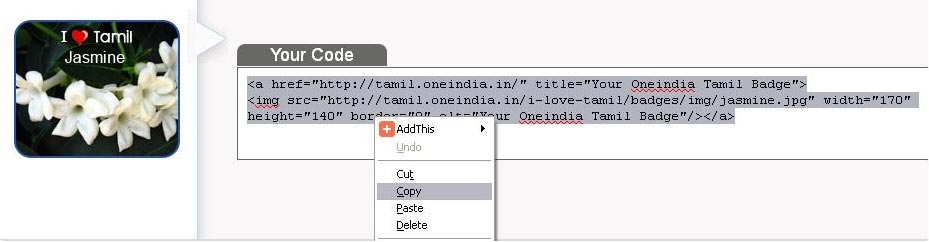
| Click on the get code button, highlight your code, right click and copy. |
 |
| Step 2 |
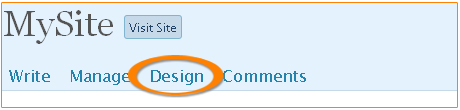
| Login to your site admin, click on Design. |
 |
| Step 3 |
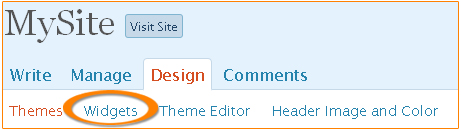
| Click on Widgets. |
 |
| Step 4 |
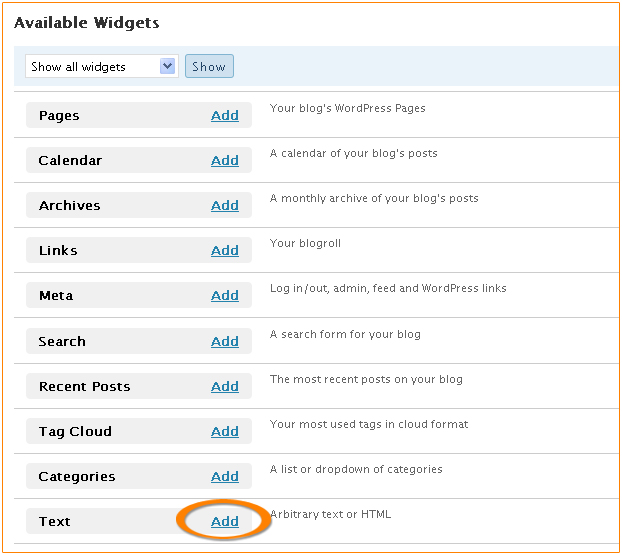
| Click on the Add link as shown in figure. |
 |
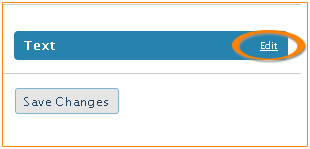
| Step 5 |
| Click on Edit link. |
 |
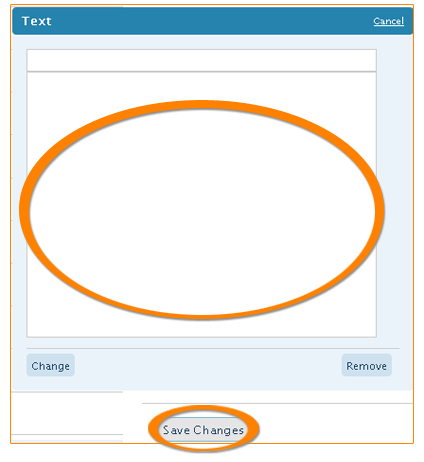
| Step 6 |
| Copy the code into the textarea as shown in the figure. Click on Save Changes button as shown in figure. |
 |
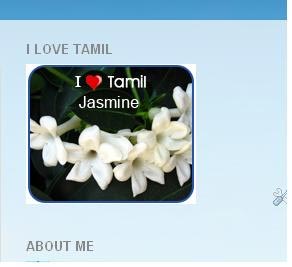
| Step 7 |
| Now refresh your blog and you will see the new tamil badge. |
 |